Your course in one file
Hand it your slides, scripts and notes. LearnHub Studio writes a study hub from them: a guide with interactive figures, a quiz, flashcards, a study plan and a practice exam.
14 days in full. Pay once, no account.
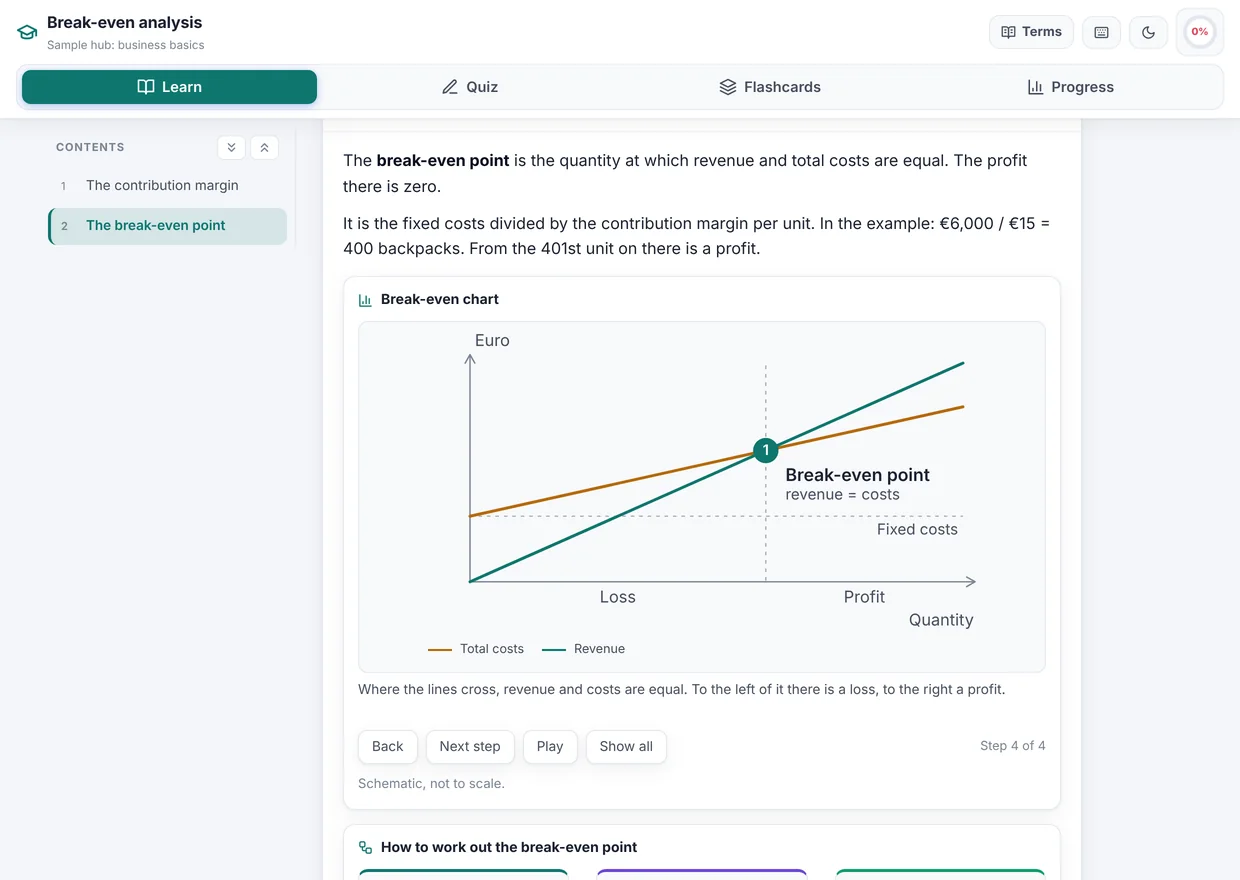
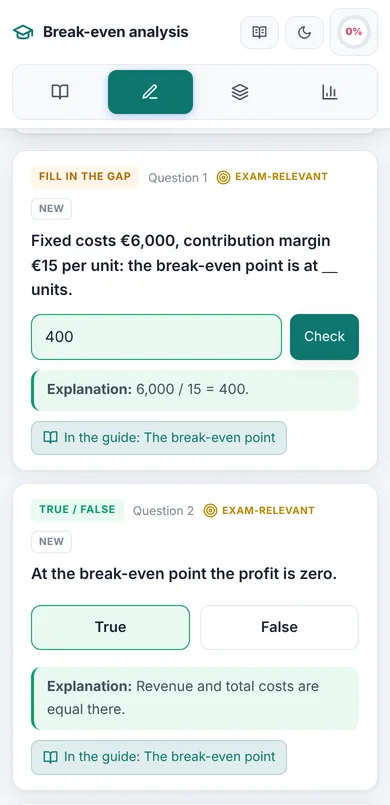
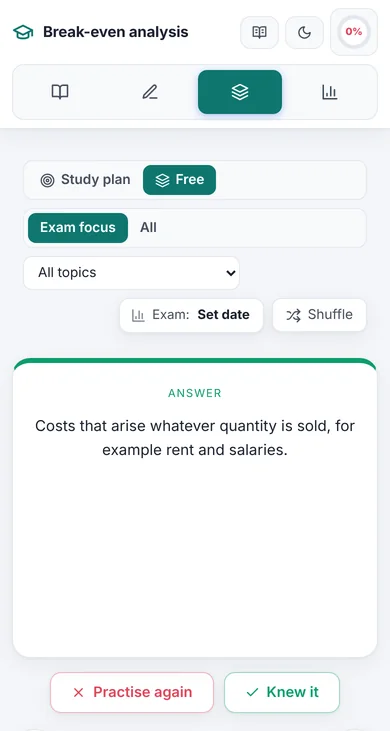
From slides to a study hub
Four steps, and the third is Studio’s.
Add your material
PDF and Word files, PowerPoint with its speaker notes, images, Markdown and plain text, code files, Jupyter notebooks.
Say what the hub is for
The course, the exam date if there is one, and which parts you want: guide, quiz, flashcards, study plan, practice exam.
Studio writes, checks and repairs
It builds the hub on a tested template with the AI model you chose, verifies the result and repairs what fails, in up to two rounds.
Study anywhere
The hub is one HTML file. It opens offline in any current browser, on a laptop or on a phone.
- Grows with the course
- Add next week’s slides to a hub you already study from. What you have answered stays answered.
- A library that knows your exams
- Categories, exam dates with a countdown, the reviews due today and how ready you are, course by course.
- Hubs are yours to share
- A hub is a file. Send it to a study group; it needs no app and no licence to open.
- Languages
- The app comes in English and German. A hub is written in the language of your material, or in the one you set: English or German. Its buttons and tabs follow that language, and whoever reads the hub can switch them. Material in another language gives a hub in that language with English buttons.
- Your AI, your cost
- Studio writes with the model you set up: your own API key, or a local model through Ollama. How to set it up

Start with next week’s slides
The trial runs with everything switched on. Drop in a lecture and see what comes back.
Download the trial14 days in full. Pay once, no account.